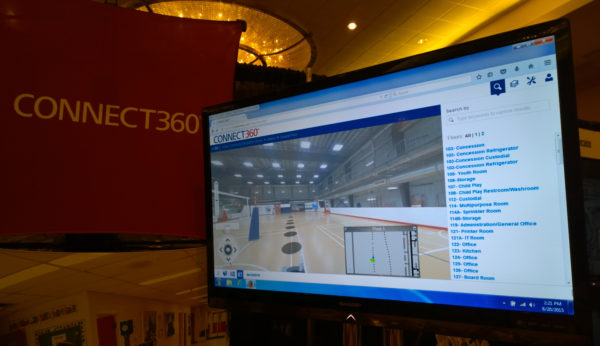
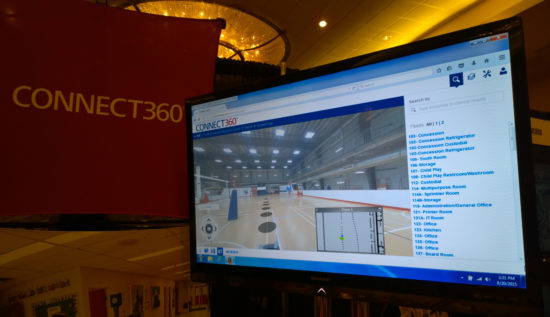
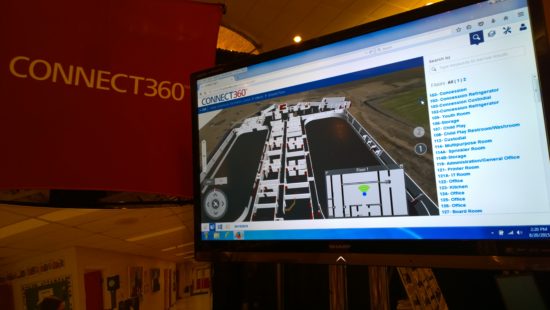
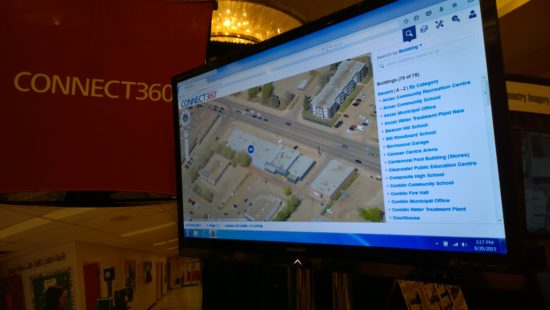
Emergency planning and response platform allows emergency dispatch personnel to navigate the exterior and interior of buildings using a combination of photography and 3D renderings.
Launch date
August 2015 (FutureView Conference)
Problem
We needed a solution that allowed emergency planning personnel to search building interiors, locate resources and plan for emergency situations using areal Pictometry imagery, floor plans, photo spheres and 3D generated building.
Solution
We created an interface that extended the experience of Connect Explorer to allow users to navigate inside buildings via photo spheres and a first-person 3D experience. Users can quickly locate rooms and resources, view emergency pre-plan data and take advantage of measurement tools.
Screenshots
My Role
I was the sole designer for the development of this product. During the design and development we extended Connect Explorer and I did the following:
Worked closely with the Product Manager to better understand product requirements and collaborated with the engineering team to understand technical limitations and possibilities when using the Unity framework.
Facilitated design sessions alongside other designers and the engineering team.
Created interactive prototypes using paper, Balsamiq and Framer.
Designed general UI and navigation.
Created final assets.
On stage
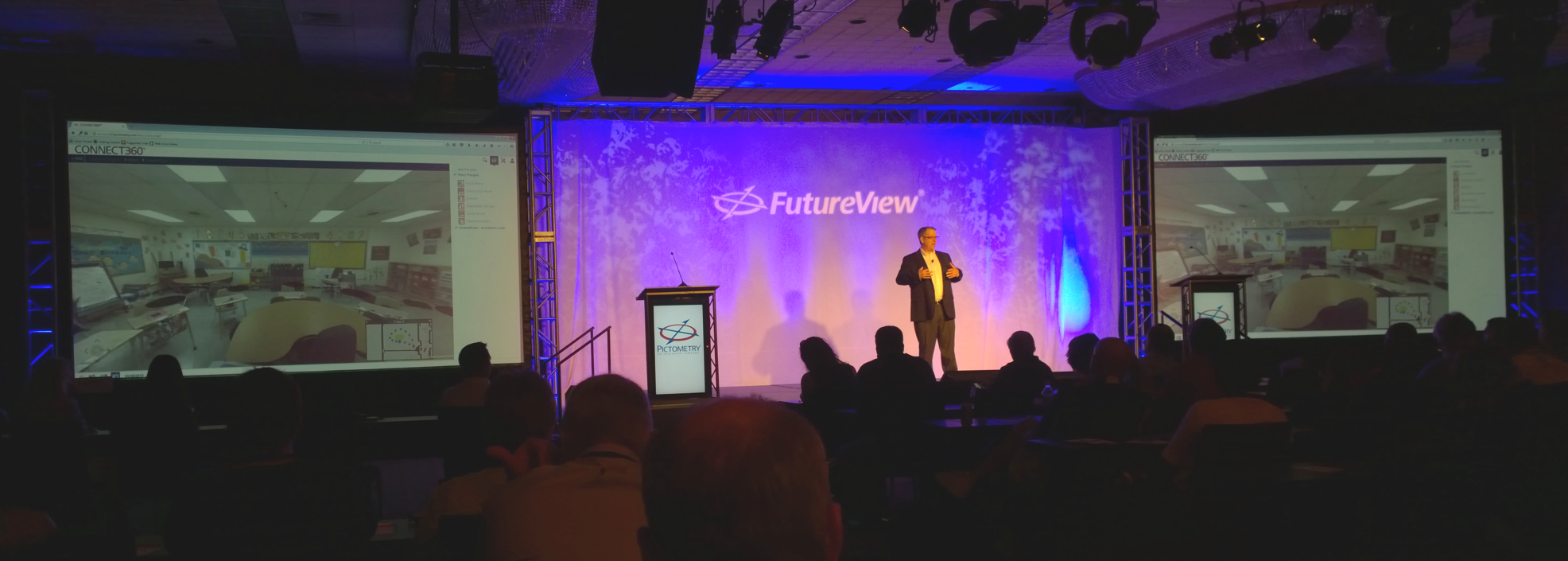
EagleView CEO speaking about Connect360 on stage during the FutureView conference.
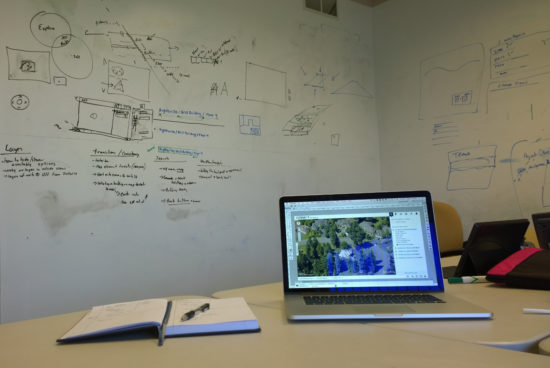
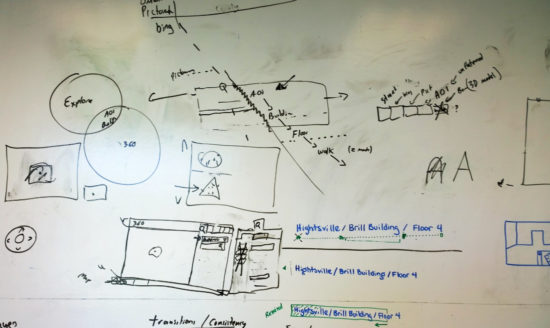
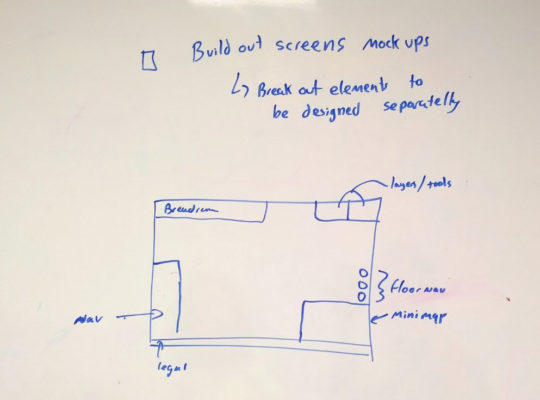
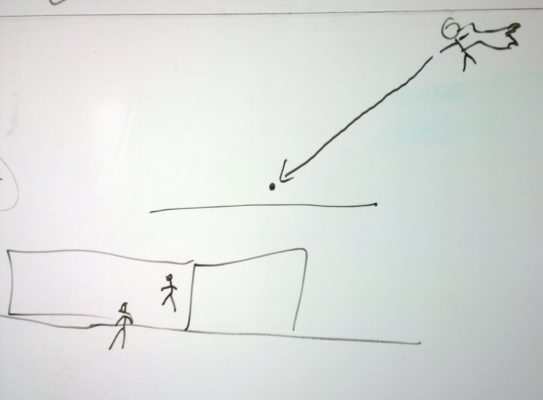
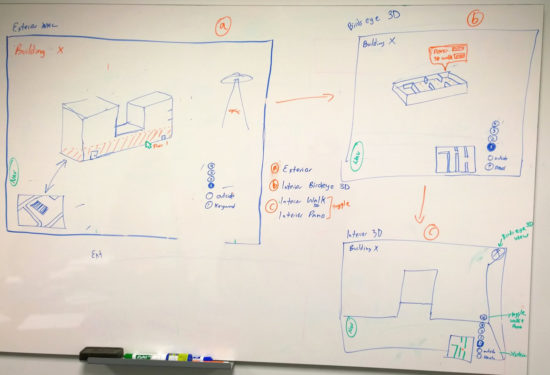
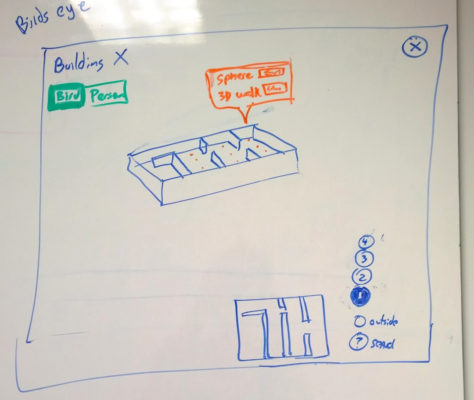
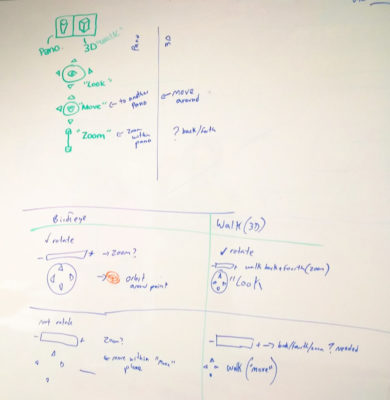
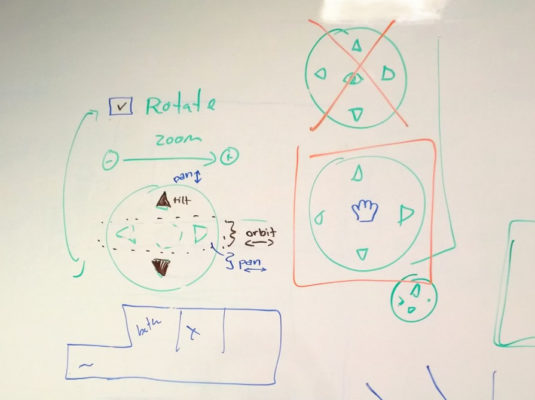
Early Whiteboard sessions
Navigating a 3D space
This product allows personnel to navigate from satellite imagery to highly detailed aerial photography. It also allows them to navigate 3D renderings of building exteriors and interiors as well as walk through the inside of buildings using 360 degree panoramas. While in a building, you can also navigate through multiple floors of a specific building without getting lost.
Each navigation mode shifts perspective and changes the way a user navigates across space. To get the interaction right, I went through quite a bit of design sessions with other designers and engineers, paper prototyping and testing interaction with peers.
Transition from aerial to being inside a building
Modes of navigating in 3D space
Aerial 3D rendering of 1st floor
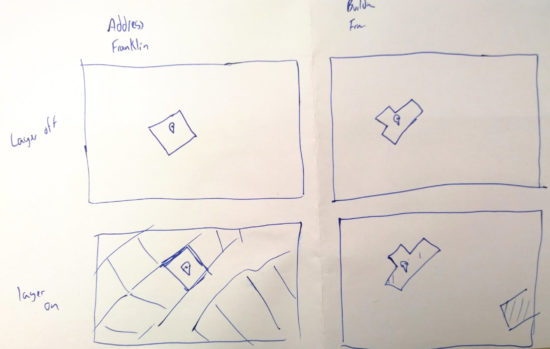
Paper Prototype
Testing a paper prototype focusing on the mini-map functionality.
A new approach to providing a class schedule and detailed class information that makes it easier for students to find the classes they need as well as plan for future quarters.
Bellevue College is the third largest institution of higher education in the state of Washington and its web presence has more than 120 official websites.